
FULFILLMENT STRATEGY / 8 MIN READ
Stock on the Shelf, Not for Sale: Shopify Inventory Explained
A warehouse count can be correct while the store promises the wrong quantity. Find the gap between physical stock and stock a new customer can buy.
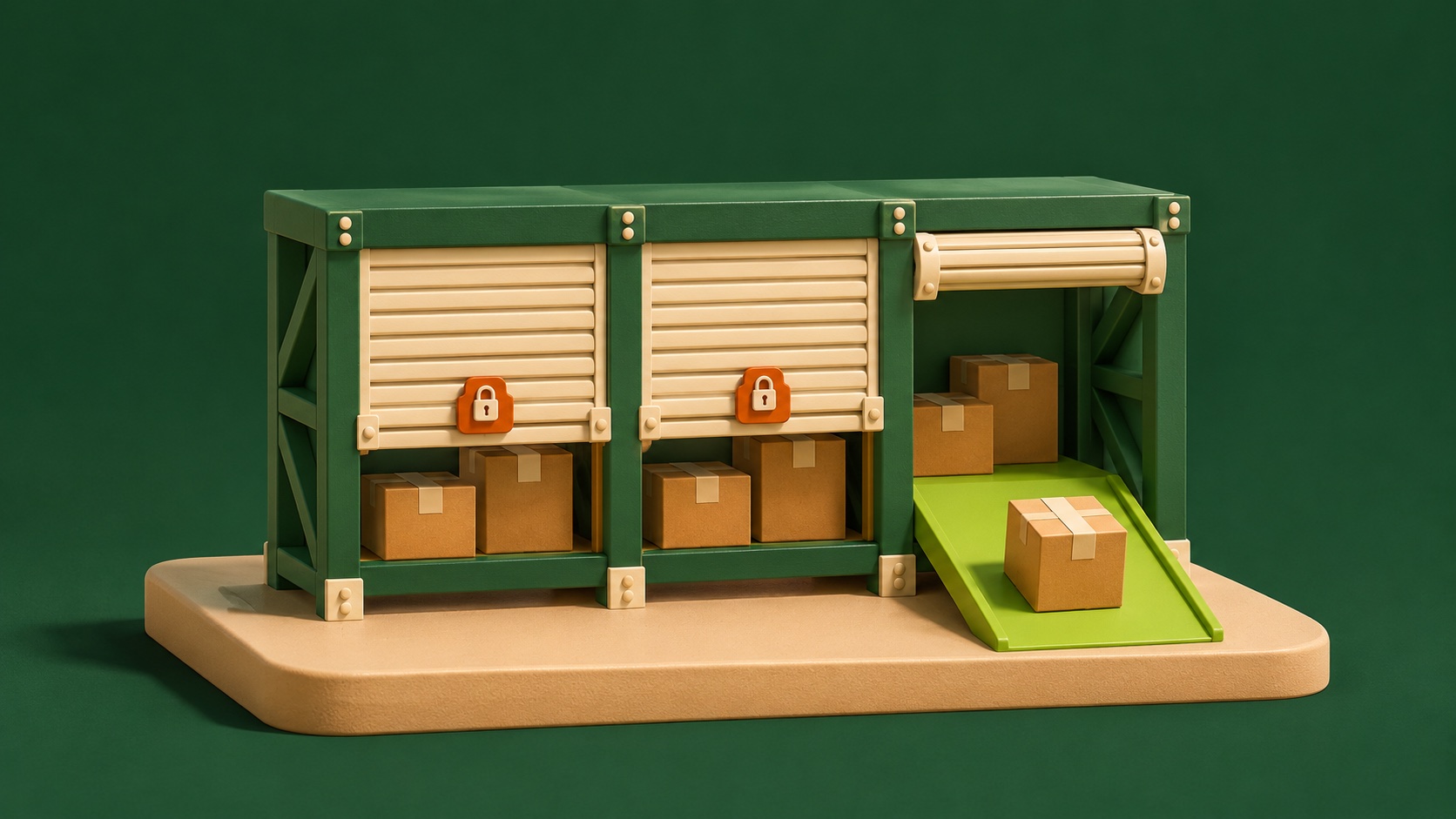
The warehouse says it has stock. The online store says it does not. Or the storefront keeps taking orders for units already allocated elsewhere. Before treating either screen as wrong, ask what each number means.
Shopify on hand vs available inventory is a distinction between a location's total stock and the portion offered for sale. For a brand using China sourcing and a third-party fulfillment warehouse, matching the SKU is only the start. The location, stock state and observation time must match as well.
We call the difference between On hand and Available the promise gap in this article. This is our explanatory label, not an extra Shopify field or a measure of lost sales. A well-explained gap can be perfectly legitimate: some stock already belongs to orders, and some should remain on hold.
Start with the state, location and timestamp
Shopify defines five inventory states. On hand combines Available, Committed and Unavailable. Available excludes allocations and holds. Committed covers units set aside for obligations such as unfulfilled orders; Unavailable includes holds such as quality control or safety stock. Incoming describes stock still on its way, rather than today's sellable balance.
Read those names alongside one variant and one location. A supplier's total across a catalog, a warehouse's physical count and a store's Available field answer different questions. A number without its scope can look precise while being impossible to reconcile.
Write the observation time and time zone on each export. If orders arrived between the warehouse count and the store screenshot, a difference may reflect events in that interval. First compare equivalent records; then investigate the remaining discrepancy.
Reconcile 120 units without inventing missing stock
Consider this hypothetical example, not a customer case or a recommended stock policy. At one location, for one SKU at one moment, assume:
- On hand: 120 units.
- Committed: 30 units for existing unfulfilled orders.
- Unavailable: 20 units, made up of 8 held for quality review and 12 intentionally held as safety stock.
- Available: 70 units for new sales.
- Incoming: 50 units, recorded separately and not yet received.
The reconciliation is 120 = 30 + 20 + 70. Equivalently, Available = 120 − 30 − 20 = 70. The example's promise gap is 120 − 70 = 50 units. Those 50 are explained by the 30 committed units and 20 held units; they are not evidence that the warehouse lost 50 units.
Do not add the 50 Incoming units to today's 70 Available merely because a purchase order exists. Receiving and release conditions still matter. The classification of newly received units can also depend on the workflow or app, so a planned arrival is not a confirmed sale-ready quantity.
Now imagine 24 more units become committed, with no receipt, dispatch or other adjustment. On hand remains 120, Committed becomes 54, Unavailable stays 20 and Available becomes 46. The balance still closes: 120 = 54 + 20 + 46. A lower Available number does not necessarily mean fewer physical units are on the shelf.
Decide whether the 3PL feed is gross or already net
Ask a fulfillment partner to define the quantity it sends. In this example, a gross physical count is 120; a figure already net of these commitments and holds is 70. A field called stock, balance or inventory does not tell you which one it contains.
If the incoming value is 120, a calculation that accounts for the 30 committed and 20 held units produces 70. If the incoming value is already 70, subtracting those same amounts again produces 20, an unintended second deduction. Neither a green sync indicator nor identical SKU spelling catches that semantic mistake.
The reverse error is promising a gross count as if every unit were free for a new order. Before connecting a feed, agree on its source field, destination state and calculation. Identify whether an update sets an absolute balance or records a change, and which system owns each commitment and hold. These are integration questions to verify with the app and warehouse, not assumptions about every connector.
For a 3PL fulfillment discussion, bring a sample record with its field definitions and timestamp. A small reconciled sample is more useful than a large spreadsheet whose totals have different meanings.
Check where the stock can serve an online order
A positive warehouse count does not automatically make an item purchasable for a particular storefront order. Shopify's stockout guidance explains that location fulfillment settings matter. It also notes that a dropshipping app location can need shipping-rate troubleshooting when stock exists but the item appears unavailable.
For tracked inventory, Shopify normally blocks purchases at zero or below unless the relevant continue-selling option permits them. Review that choice deliberately. Taking a preorder or buying from a supplier after a sale can be a business model, but it should have an explicit purchasing and customer-communication process.
For an unexpected stockout, check the variant's location assignment and whether that location fulfills the intended online orders. Then check the relevant shipping configuration. Do not move stock between locations or activate overselling simply to make the product page look available; establish which location will actually fulfill the order.
Put a name beside every hold and buffer
A hold should have a reason, an owner and a release condition. For quality review, identify the affected units or batch and the evidence needed to release it. For safety stock, record where the buffer is applied and who can change it.
In our example, the 12 safety-stock units already sit inside Unavailable. If another system deducts an extra 12 from the 70 Available, the store would show 58. That may be a deliberate second reserve, or an accidental double buffer. The arithmetic cannot decide which: the agreed rule must explain it.
There is no defensible universal buffer percentage for every SKU and route. Review actual demand variation, stock-count corrections, replenishment uncertainty and integration delays before choosing a policy. Record the observation period and orders involved. Without those observations, a buffer size is a planning assumption, not a proven protection against overselling.
For a China sourcing workflow, also distinguish supplier-reported stock from inventory allocated to your brand. A supplier screenshot alone does not establish a reservation, an approved batch or readiness for your packing instructions. Our sourcing page helps frame the product and supply questions before they become storefront promises.
Read the report's quantity basis before comparing months
There is a timely reporting detail to check. Shopify's inventory-report documentation, reviewed on November 5, 2026, says reports use On hand instead of Available starting October 1, 2026; earlier data retains its previous basis.
An apparent increase across that boundary therefore needs a definition check before it becomes a replenishment decision. In our invented snapshot, 120 On hand and 70 Available describe the same stock position. Comparing them as though they were the same measure would create a false 50-unit change. Verify the report, time range and quantity basis before drawing a business conclusion.
Keep a stock correction from overwriting newer events
Shopify's inventory CSV guidance distinguishes an all-states export from an Available-only export. The all-states format includes current and new On hand quantities; with both present, import validation compares the expected balance against the current one. Changed rows can fail validation rather than overwrite newer inventory movements.
Use a correction as a controlled reconciliation, with an owner, a source count and a review time. Preserve the validation information and investigate a rejected row. Forcing an older spreadsheet over a newer balance can obscure the very order or receipt that explains the difference. A tidy file is not proof that its snapshot is still current.
Copy this inventory handoff brief
Before a pilot with a sourcing or fulfillment team, agree on:
- The product, variant, SKU and location identifiers used in each system.
- The physical-count time and time zone, plus the source of the count.
- On hand, Committed, Unavailable and Available quantities for the same snapshot.
- Each unavailable reason, affected units, owner and release condition.
- Incoming quantities, receipt evidence and the rule for releasing received stock.
- Whether the 3PL feed is gross physical stock or already net of allocations and holds.
- The destination inventory state and whether an update is an absolute balance or a change.
- Who applies safety stock, which rule is used and how double deductions are prevented.
- The online location, relevant delivery configuration and any deliberate preorder policy.
- The reconciliation owner, exception procedure and next review time.
Use the brief to test one ordinary order, one hold and one stock adjustment before expanding the workflow. Record expected and observed changes rather than declaring success because the first sync completed.
Stock reconciliation answers what can be promised to a new order. Once the parcel is prepared, a different question begins: who has accepted it? Our dropshipping tracking guide covers that handoff.
If you are preparing China sourcing and fulfillment, send DropFillShip your SKU-and-location brief. Include the product, destination market, platform and the inventory question you need to resolve.